
Harnett Arrests in 24 Hours
The Sheriff's Office posts an official Inmate Incarcerations, Last 24 Hours PDF covering the Detention Center at 175 Bain Street in Lillington. It covers jail bookings only. City police calls and traffic stops sit outside it. The report tracks anyone who enters the county detention workflow, so arrests by the Sheriff's Office and by municipal agencies can both land there. Citations and summonses skip it. Anything released without a county-jail booking never makes the list. The 24-hour label marks a tight window. It is not a minute-by-minute monitor. Treat it as a view of recent arrests, not a full Harnett County arrest history.
Check Today’s Arrest Report
Begin with the narrowest official record. That keeps the date attached and prevents mixing a past admission with present custody.
- Open the Sheriff’s Inmate Population Reports page and choose the Last 24 Hours report.
- Read the report heading and generation context, then compare the full name and confinement date rather than relying on a name alone.
- Check release status, docket number, court date, charge description, and bond information where those fields appear.
- For current custody, compare the person with Citizen Connect Current Confinements. A release or transfer can remove someone from that point-in-time roster.
- If the result is missing or unclear, call the Detention Booking Desk at 910-893-0257. Use the Harnett County recent-arrests hub for records, court, photo, and custody-source distinctions.
The PDF's rows change with every booking. Any saved image would go stale within hours. The link above stays the correct way to open the current Harnett County report.
Fields in the Daily Report
A standard row holds name, booking date, and charge. The layout comes from the official form. Fields can sit blank or shift names in the current version, so read the live report row by row.
| Field | How to interpret it |
|---|---|
| Name and confinement date | Identifies the listed person and when the detention record began. Confirm with another identifier when names are common. |
| Release status | A changing custody field, not a court outcome. It may change after the report is generated. |
| Docket and court date | Useful for following the matter through the Clerk or Judicial Branch. A court date is scheduling information, not a disposition. |
| Statute or charge description | The charge recorded at booking. Charges may later be amended, dismissed, or resolved differently. |
| Bond type and amount | A release condition shown at that time, not a fine and not evidence of guilt. |
| Reason for confinement | A detention or arrest classification that does not supply the full investigative narrative. |
| Address | May be limited, stale, or subject to redaction. It should not be used as the sole identity match. |
This daily PDF is a text report, not a mugshot gallery. Forms can list "Photo: Yes" and "Prints: Yes." That wording does not mean photographs are published. When a booking photo is needed, ask the Sheriff for a releasable record or image.
When the Arrest PDF Is Unavailable
An empty or failed load does not mean zero arrests. Go back to the Sheriff's reports landing page first. Then open Citizen Connect's Current Confinements view. It shows who is in custody right now. Open the official Harnett Citizen Connect portal in a normal browser.
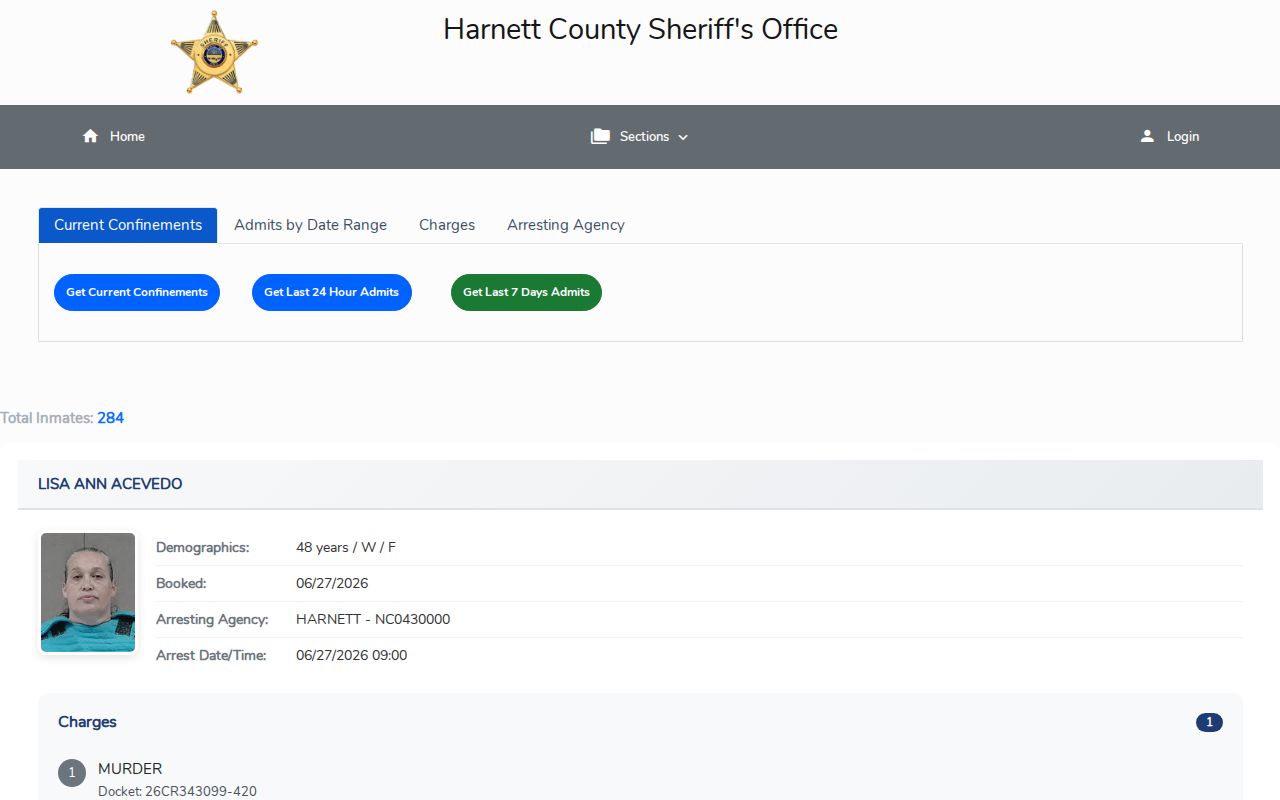
The portal keeps Current Confinements separate from an admissions-by-date search. It is not a photo gallery. A live query produces the results. If neither source resolves the question, start with the phone. Call the Detention Booking Desk at 910-893-0257. The Sheriff's non-emergency line at 910-893-9111 also takes these calls. A records request works best with a few details. Have the person's name, an approximate arrest date, and any docket or report number ready. The Sheriff's pages list no photo fee, special form, or photo-specific response time. Need more than one day? The Weekly Arrest Log reaches back further. To track one person's custody, use the VINELink Inmate Check. It sends release or transfer notifications. The two tools answer different questions.
Booking Does Not Establish Guilt
The report records a booking event. Charges appear exactly as they were entered that day. Bond is a release condition, nothing more. A docket number or court date on the form does not reveal how the case ended. Charges can be reduced, dismissed, or resolved after the report rotates out of its 24-hour window.
The Same-Day Window Boundary
The two official sources draw a clear bright line. The PDF is labeled Last 24 Hours. Citizen Connect offers Last 7 days plus custom ranges capped at 31 days. The daily document therefore answers one tight question: who entered detention recently? It is not an archive.
Someone can appear in the daily report, then drop from Current Confinements after release or transfer. That does not erase the arrest. A police contact that never produced a detention-center admission may never enter the report at all. These edges matter when notes get shared. Keep the report date, selected mode, and custody status attached to anything taken from the system.
Use Official Arrest Sources First
Unofficial arrest sites often keep stale entries long after the Sheriff updates its records. They may skip a release. They can merge people with common names. Photos can appear with no current context. For same-day answers, the Sheriff's PDF, Citizen Connect, and the Booking Desk control. A directory like the County Jail Rosters Harnett directory can point toward a source, but it cannot replace Harnett's live arrest records.
Treat a secondary page only as a navigation lead. Confirm the name, date, status, and charge through the Sheriff or Clerk before relying on it.
From Arrest to Court Record
A booking row is just the opening page of a longer story. The arrest is where the paper trail starts. Pull the docket or case number from the Harnett County daily arrest report. Then follow it into the courts. The Harnett Clerk gives the public terminal inquiry plus certified copies. The North Carolina Judicial Branch lays out broader access to court records. One caution applies here. A portal hit or a saved screenshot is never the final word on a case. Only the court record itself carries that weight.
Names can match, so verify before you assume. Weigh the booking date, arresting agency, docket number, and other lawful identifiers side by side. Skip any full address you happen to see. The county does not display it for republication. Trust the government record whenever a correction appears.
Public Record Search
Sponsored Results